Sign a sailor on for a race day
This article covers how to sign a sailor on for a race day yourself. Signing a sailor on records that they raced that day, so they appear when you enter results. Sailors can sign themselves on, but an official often needs to add someone manually, for example a visitor or a sailor who raced without signing on. This is the first step before entering results for a race day.
Access. You need the Admin, Official, or Race Officer permission on the club running the event.
Open the Sign-ons tab
- Open the event and select the race day.
- On the Race Day Results screen, select the Sign-ons tab.
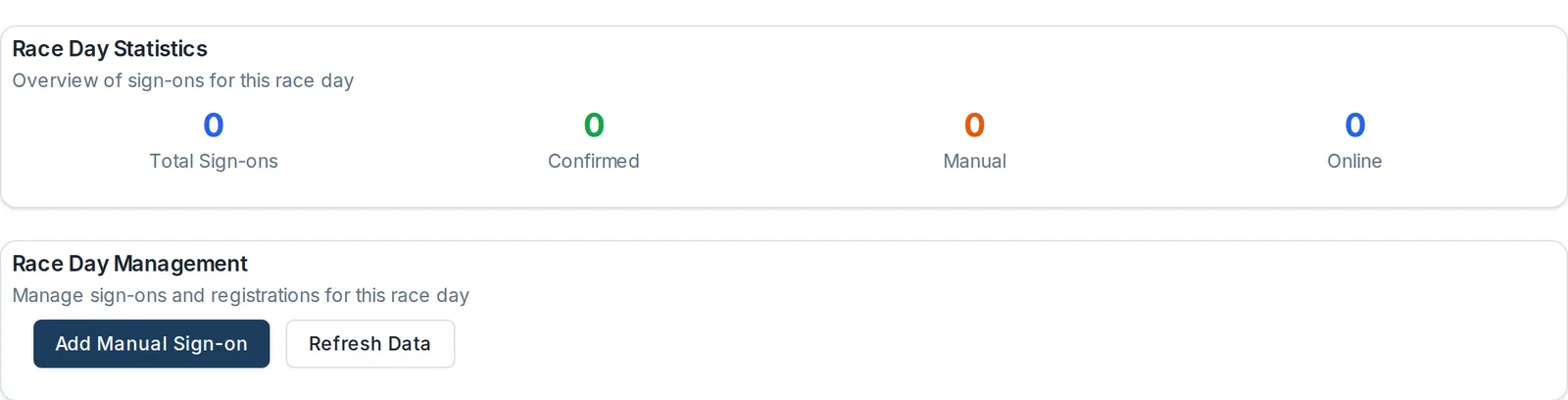
The tab shows Race Day Statistics (total sign-ons, confirmed, manual, and online), and a Race Day Participants list of everyone signed on for the day. When no one has signed on yet, the list shows No sign-ons found for this race day.
Add a manual sign-on
- In Race Day Management, select Add Manual Sign-on. The Manual Sign-on panel opens.
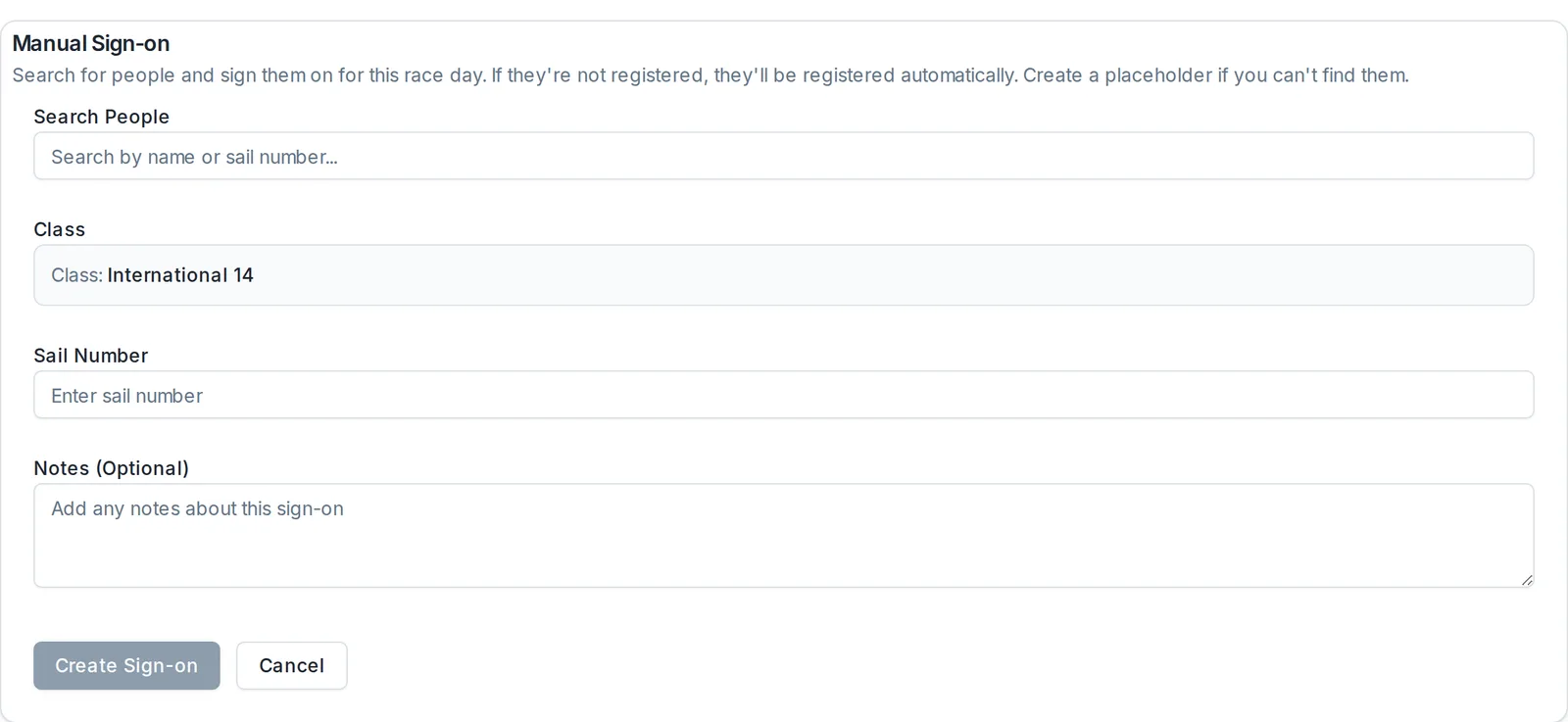
- In Search People, search by name or sail number and select the sailor. If they are not registered for the event, Dockside registers them automatically. If you cannot find them, you can create a placeholder to sign on.
- Check the Class. It is set to the race day's class.
- Enter the Sail Number.
- Add a Note if you need to. This is optional.
- Select Create Sign-on.
The sailor now appears in the Race Day Participants list, and is available to score on the Entry tab.
Find and manage sign-ons
The Race Day Participants list shows each sailor's Class, Skipper, Crew, Sail Number, Status, Sign-On Method, and Sign-On Time. Use the search box and the All Status, All Classes, and All Methods filters to find a sailor, and the Actions column to manage their sign-on.
What happens next
Once the sailors who raced are signed on, move to the Entry tab to record their finishes. See Enter results for a race day.