Publish results
This article covers how to publish a race day's results. Until you publish, results stay in Draft and are not visible to sailors. Publishing makes them public and, if you choose, emails the participants. This follows on from Enter results for a race day.
Access. You need the Admin, Official, or Race Officer permission on the club running the event.
Open the Publish tab
- Open the event and select the race day.
- On the Race Day Results screen, select the Publish tab.
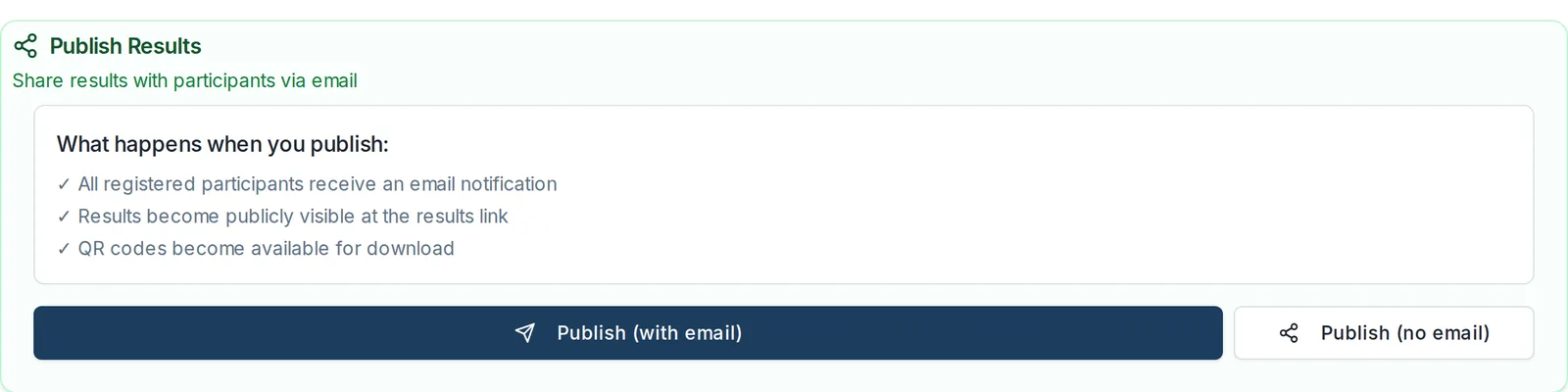
Publish the results
The Publish Results section is at the bottom of the tab. Before you publish, it lists what publishing does:
- All registered participants receive an email notification.
- Results become publicly visible at the results link.
- QR codes become available for download.
Choose one:
- Publish (with email) publishes the results and emails the participants.
- Publish (no email) publishes the results without sending any email. Use this for a correction or a re-publish when you do not want to email everyone again.
Once published, the results status changes from Draft to Published, and the date and time of publication appear in the header.
Require scorer approval first (optional)
At the top of the tab, the Approval Workflow section has a switch, Do results need to be approved by Scorer?. Turn it on if your club wants results checked by a scorer before they can be published. Leave it off if any official can publish directly.
Share and export published results
Once results are published, the rest of the tab becomes available:
- Public Results Link. A link sailors can open without logging in. Share it wherever your club posts results.
- QR Code for Notice Board. Select Download QR Code PDF for an A4 sheet with your club logo, the event name, and a QR code that opens the results. Print it for the notice board.
- Export Results. Download the results as a Standard CSV (positions and scores) or in Sailwave (.blw) format for use in Sailwave scoring software.
Re-publish after a change
If you edit results after publishing, publish again to update what sailors see. Use Publish (no email) if you do not want to send another notification for a small correction.