Mark attendance and check coverage
Alongside building rosters, two officer jobs keep the season honest: recording who actually turned up on a race day, and keeping an eye on whether the season is covered.
Access. You need the Official or Admin permission on the club.
Mark who turned up
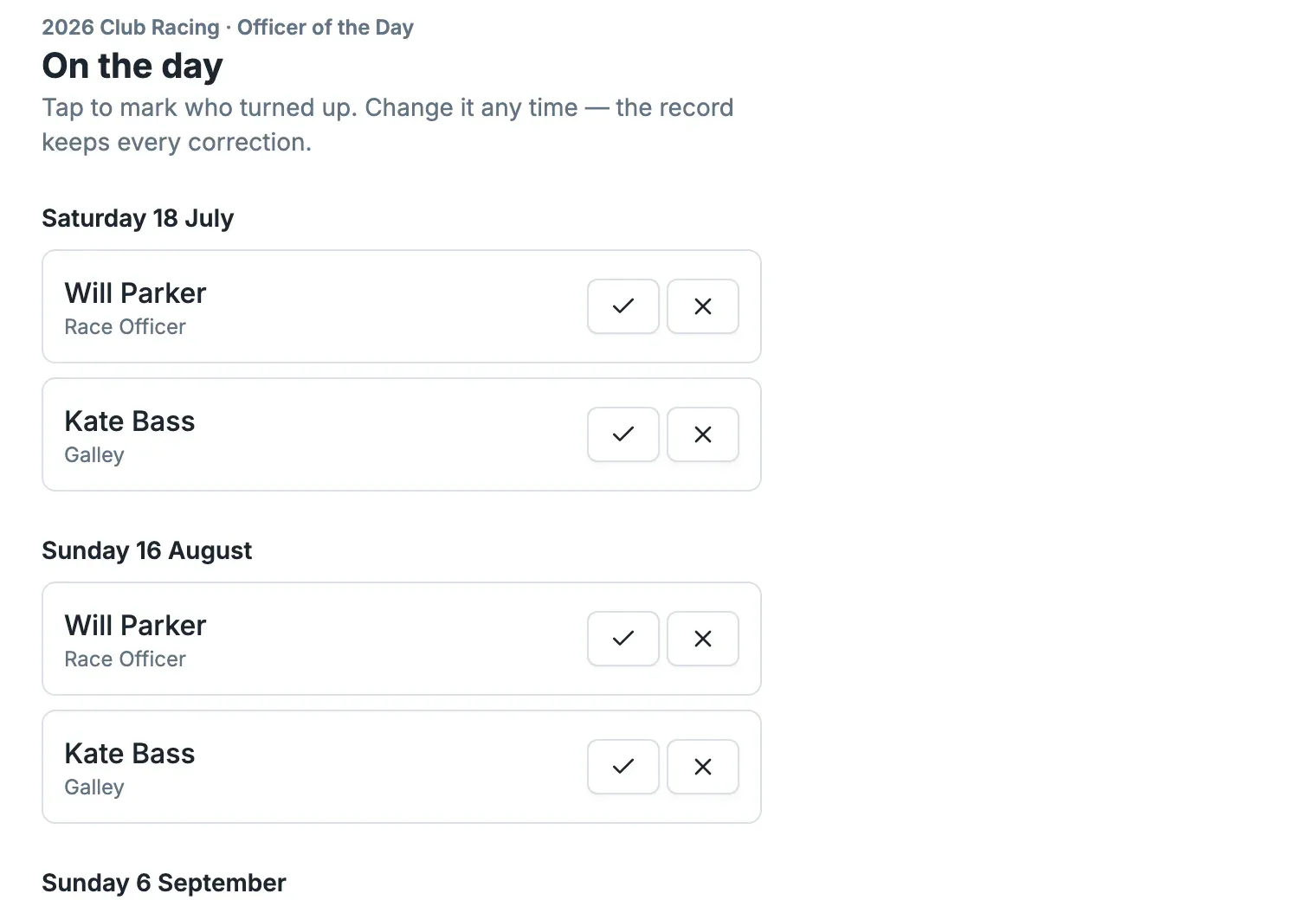
Open a roster's On the day page. Duties are grouped by race day, each showing the member and their role. Mark each one attended or a no-show with the tick and cross. You can change it any time — the record keeps every correction.
Read your season's coverage
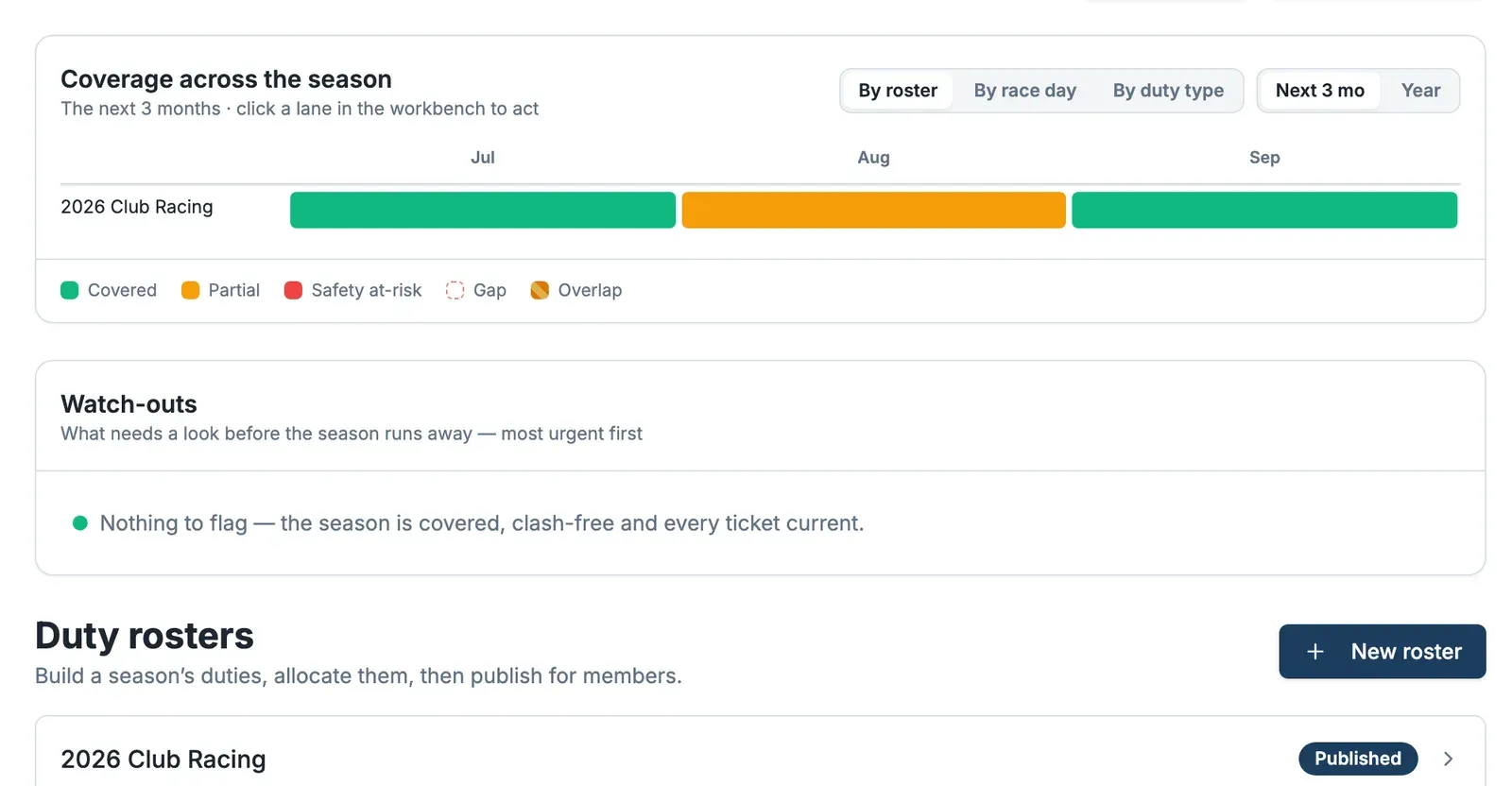
On your club's Season plan, Coverage across the season shows each roster as a coloured bar across the next three months: green where it's covered, orange where it's only partial, red where safety cover is at risk. Switch between By roster, By race day and By duty type, or from the next three months to the whole Year.
Act on watch-outs
Watch-outs lists what needs a look before the season runs away — most urgent first: gaps, clashes, out-of-date tickets. When it says Nothing to flag, your season is covered, clash-free and every ticket current.