Set up duties for your club
Before you can build a roster, tell Dockside what your club actually needs: the roles you fill on a race day, the team that fills them, and any tickets a role requires. You set this up once — sensible defaults are already applied — and every roster you build afterwards draws on it.
Access. You need the Official or Admin permission on the club.
Your duty setup lives in your club's settings, on the Duties policy page.
Add your duty types
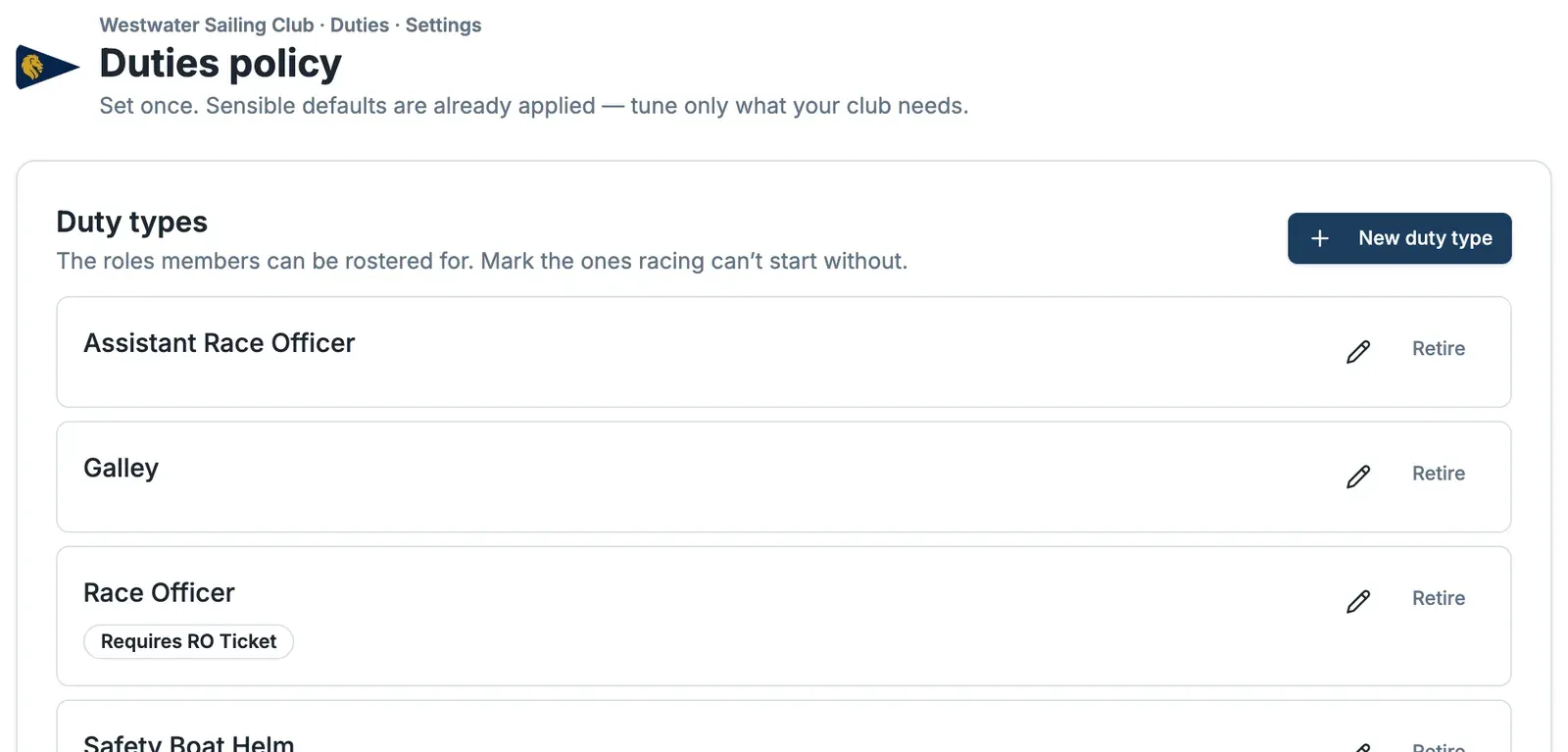
A duty type is a role members can be rostered for — Race Officer, Safety Boat Helm, Galley, and so on. Select New duty type, name it, and mark the ones racing can't start without, so a missing one shows up as a gap rather than a nicety.
Build a duty team
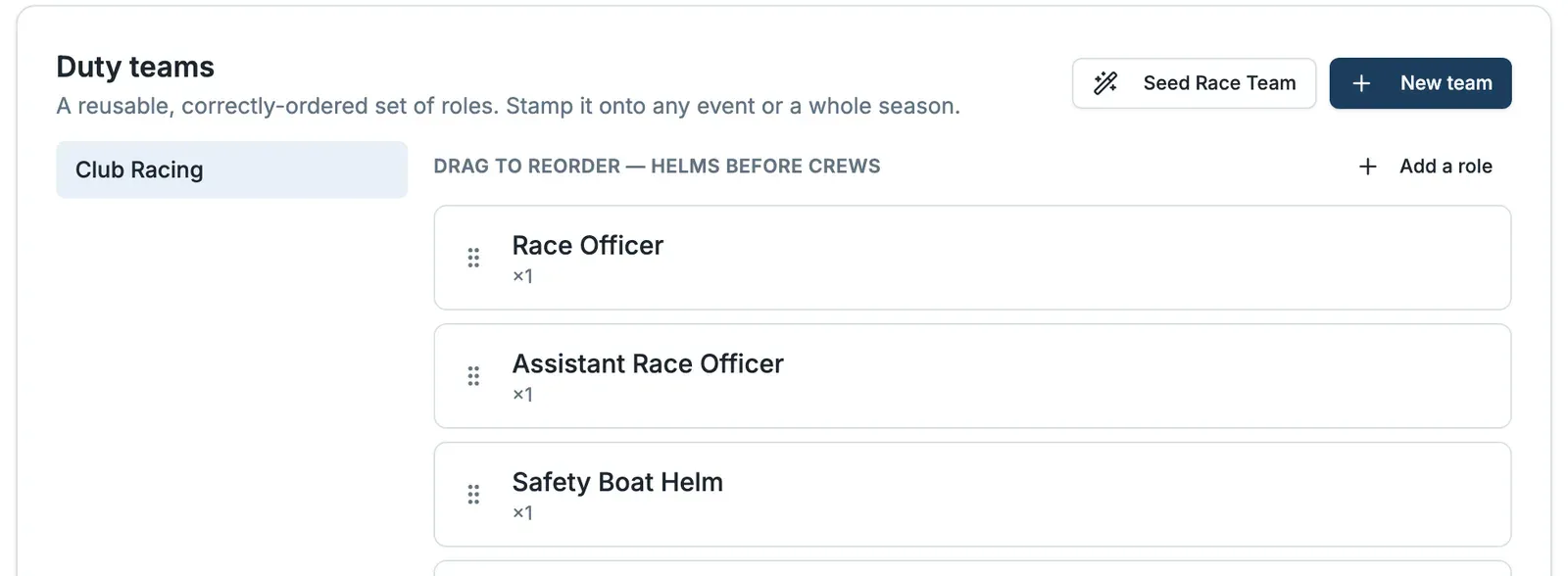
A duty team is a reusable, correctly-ordered set of roles you stamp onto an event or a whole season. Select New team — or Seed Race Team for a sensible starting set — then Add a role for each duty type and set how many you need. Drag the roles into order (helms before crews) so the roster reads the way race day actually runs.
Require a qualification (optional)
If a role needs a ticket — an RO ticket, a powerboat certificate — add it under Qualifications and attach it to the duty type. Members are then only offered that duty if they hold it. Recording who holds each qualification lives on the member, under Memberships → Qualifications, not here.
Tune your policy
The Policy section holds your club-wide defaults. Sensible defaults are already applied, so change only what your club needs.
Next
With your types and a team in place, you're ready to build a duty roster, or lay out a whole stretch of the season at once with Roster a period.