Add result categories
Result categories split an event's results into divisions or fleets, for example a Gold and a Silver fleet, or a youth category scored alongside the main results. This article covers how to create a category, assign sailors to it, and how a category is scored.
Access. You need the Admin, Official, or Race Officer permission on the club that runs the event.
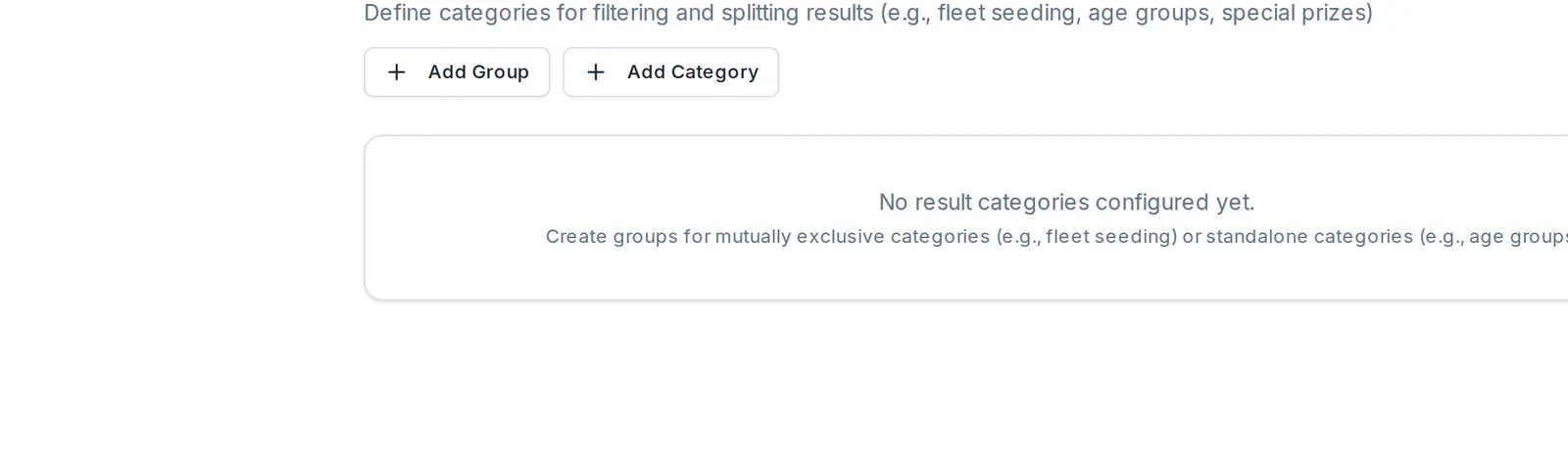
Add a category
- Open the event. On its Overview, select Edit Event.
- Open the Categories tab. Select Add Category.
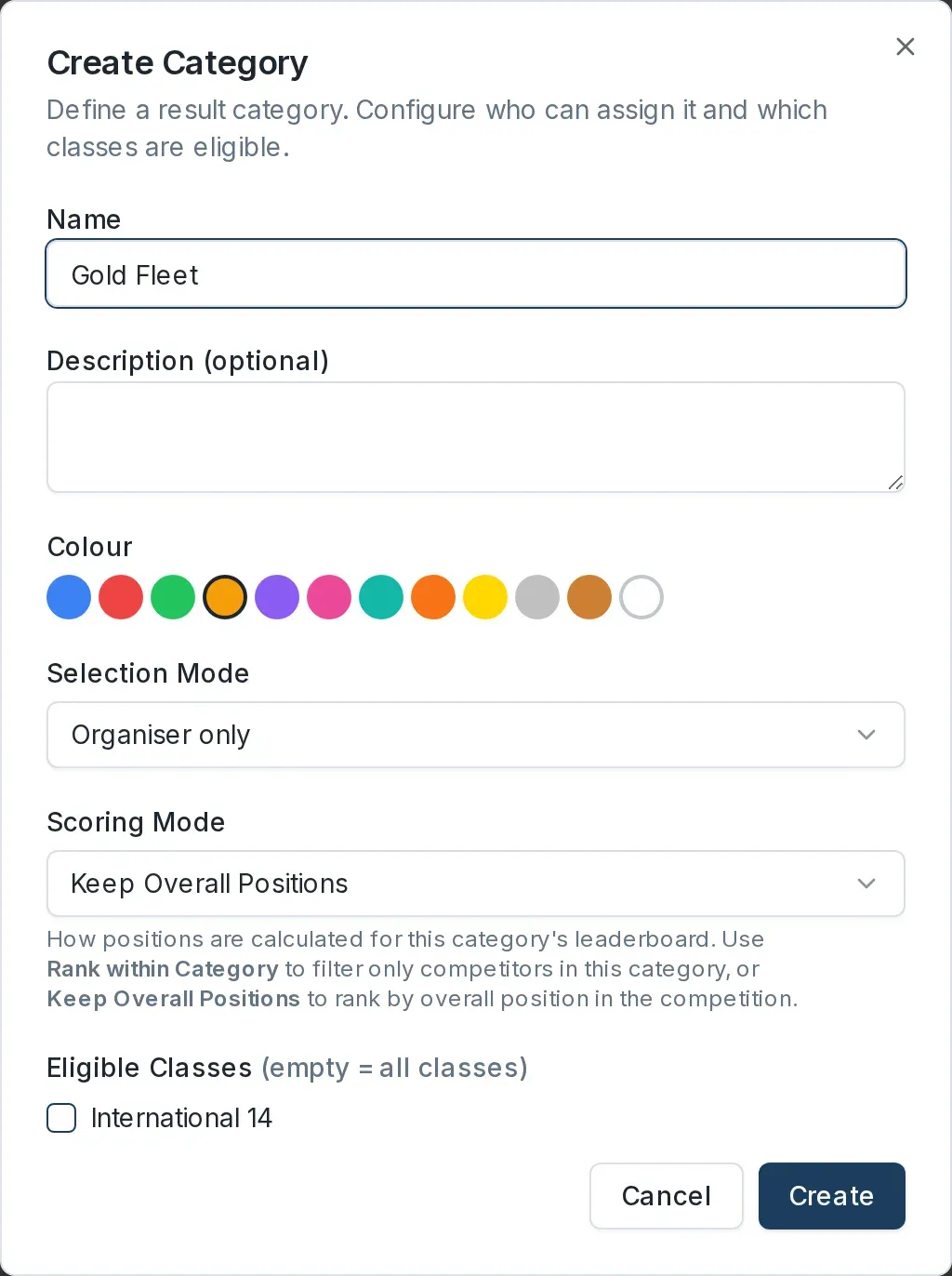
- In the Create Category dialog, enter a Name, and choose a Colour to mark the category with. Set:
- Selection Mode sets who can put a sailor in the category: Organiser only, Sailor self-select, or Both.
- Scoring Mode sets how the category is scored (see below).
- Eligible Classes limits the category to certain classes. Leave it empty to allow all classes, or tick the classes that can be in this category.
- Select Create.
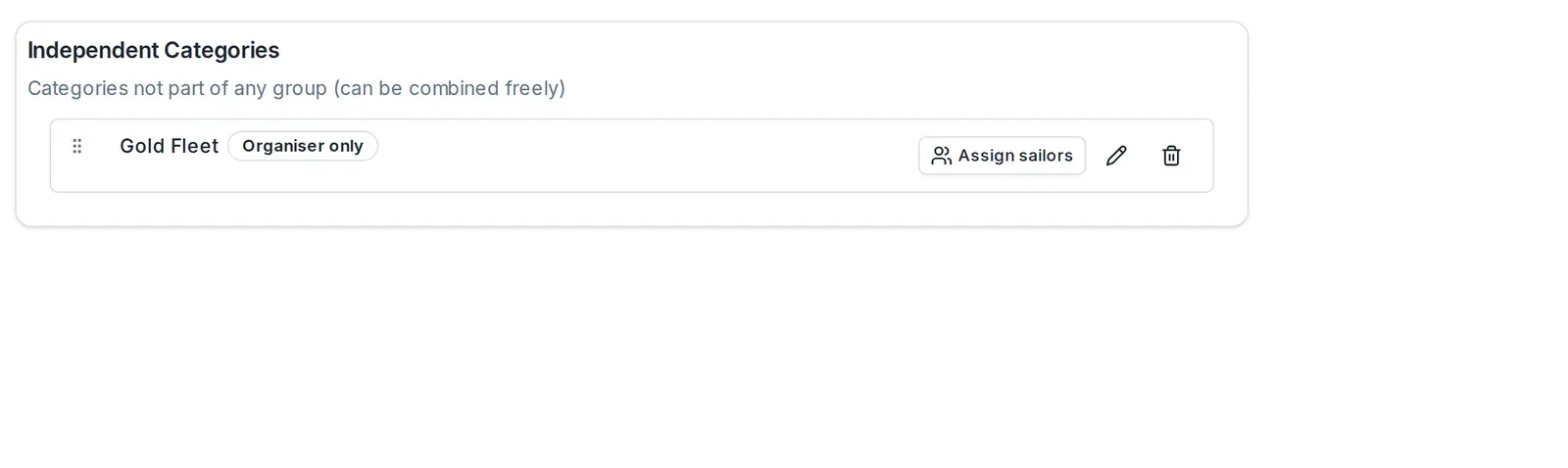
The category appears under Independent Categories, with a badge showing its selection mode.
Assign sailors to a category
On the category's row, select Assign sailors. A search box and a list of the event's registered sailors appear, each with a switch. Turn a sailor's switch on to add them to the category, or off to remove them.
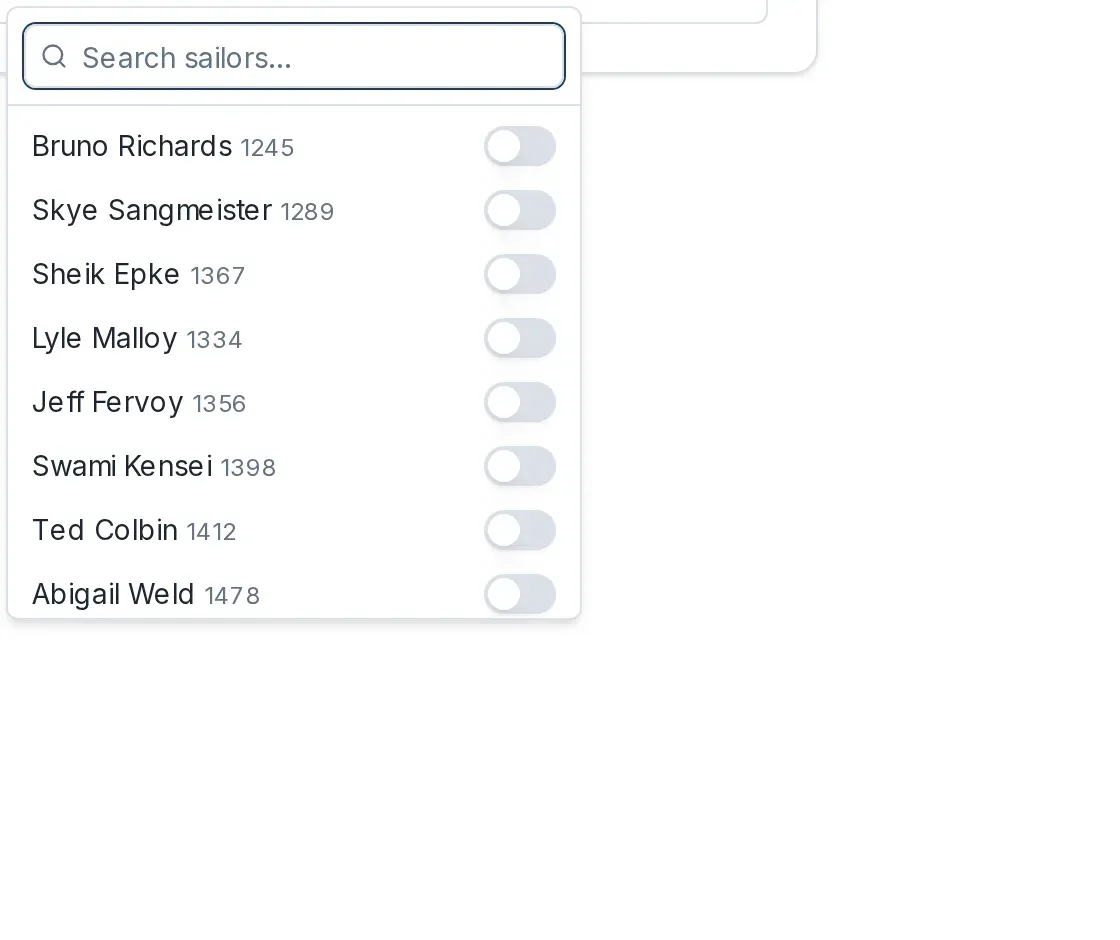
You can also search by name or sail number to find a sailor quickly. Assignments save as you make them.
How a category is scored
A category's Scoring Mode, set when you create it, decides how its leaderboard reads:
- Rank within Category scores only the sailors in the category, ranked from first among themselves. Use this for a self-contained fleet.
- Keep Overall Positions lists the category's sailors but keeps the positions they hold in the overall results. Use this to pull out a group, such as juniors, without re-ranking them.
To enter and publish the results the categories draw from, see Enter results for a race day and Publish results.
Group categories into fleets
Categories added on their own are independent: a sailor can be in more than one. When you need a set that a sailor can only be in one of, such as Gold and Silver fleets, select Add Group first and create the categories inside that group. Independent categories are listed under the heading Independent Categories, described there as categories that can be combined freely.