Record a boat you can't identify
Sometimes a boat crosses the line and nobody on the committee boat knows who is sailing it. This article covers how to record that finisher by sail number alone, so every other boat's points stay correct, and how to attach the right sailor afterwards. For normal results entry, see Enter results for a race day.
Access. You need the Admin, Official, or Race Officer permission on the club that owns or hosts the event.
An unknown entry holds its finishing place in the fleet. It appears in results as Unknown sailor with its sail number. It is never matched to a person automatically: either you attach the right sailor later, or the sailor finds the result themselves and claims it (see Claim a result recorded without your name).
Record an unknown boat while entering results
- Open the event and select the Scoring Entry tab. Each race day is listed as a card.
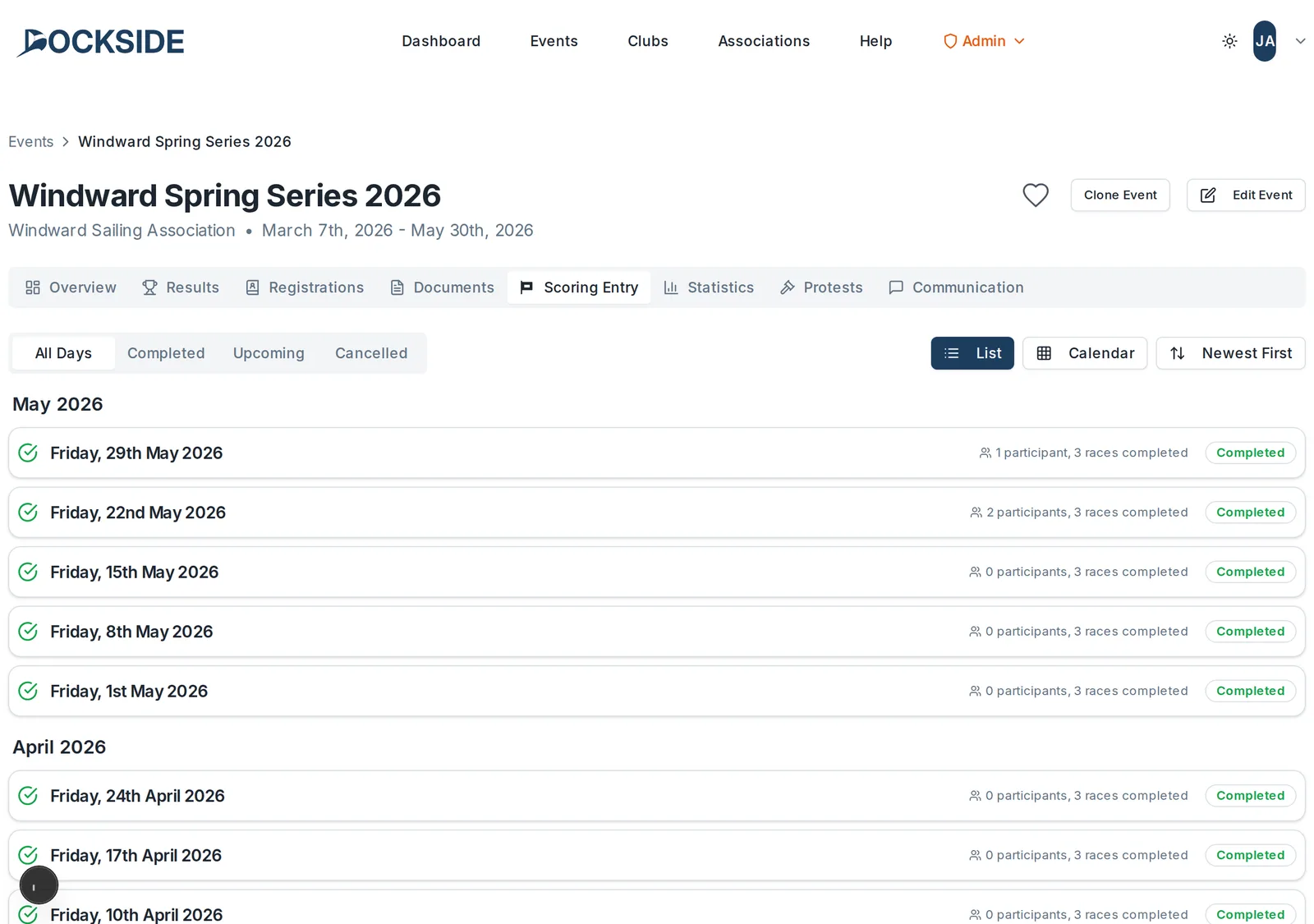
- Select the race day. Dockside takes you to its Race Day Results screen. On the Entry tab, choose the race you are scoring.
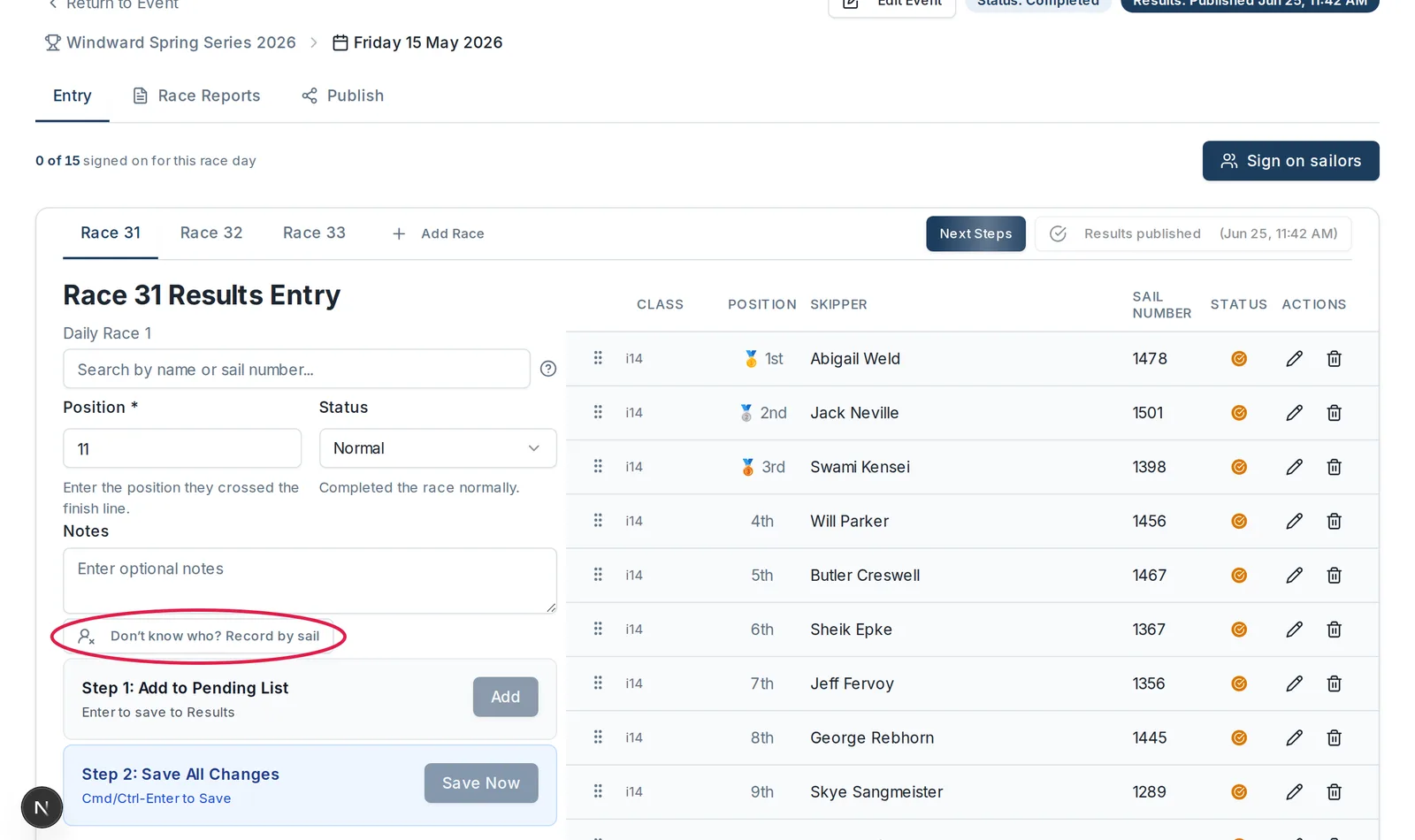
- Below the Notes field in the entry panel, select Don't know who? Record by sail.
- The Record an unknown finisher dialog opens. Enter the boat's Sail number. If the event has more than one class, choose the boat's Class too; with a single class this is filled in for you.
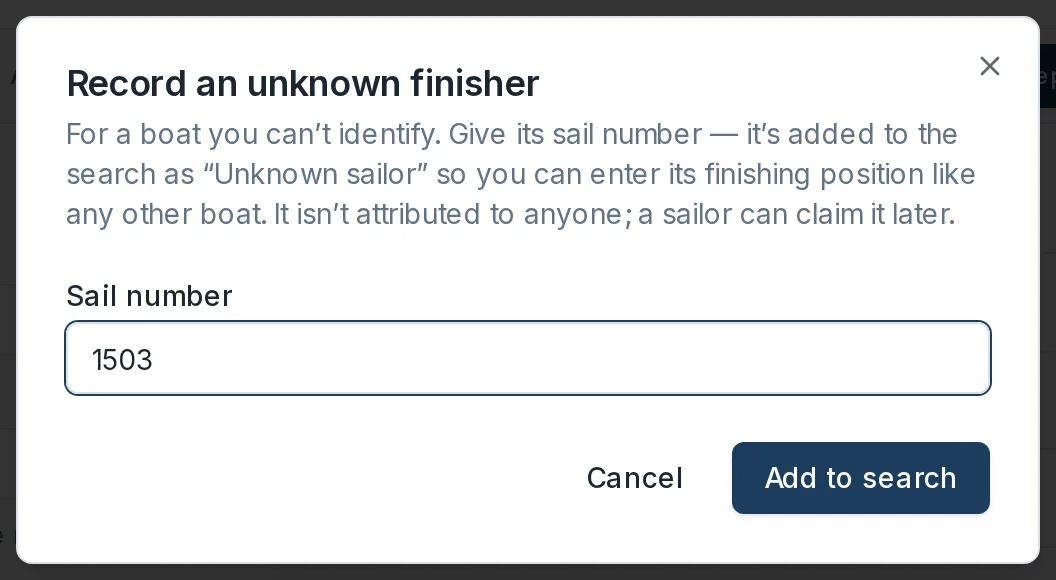
- Select Add to search. The dialog closes and the entry panel shows Selected: Unknown sailor with the sail number. The boat is signed on for the race day at the same time. The Position field is filled with the next finishing place; change it if that is not where the boat finished.
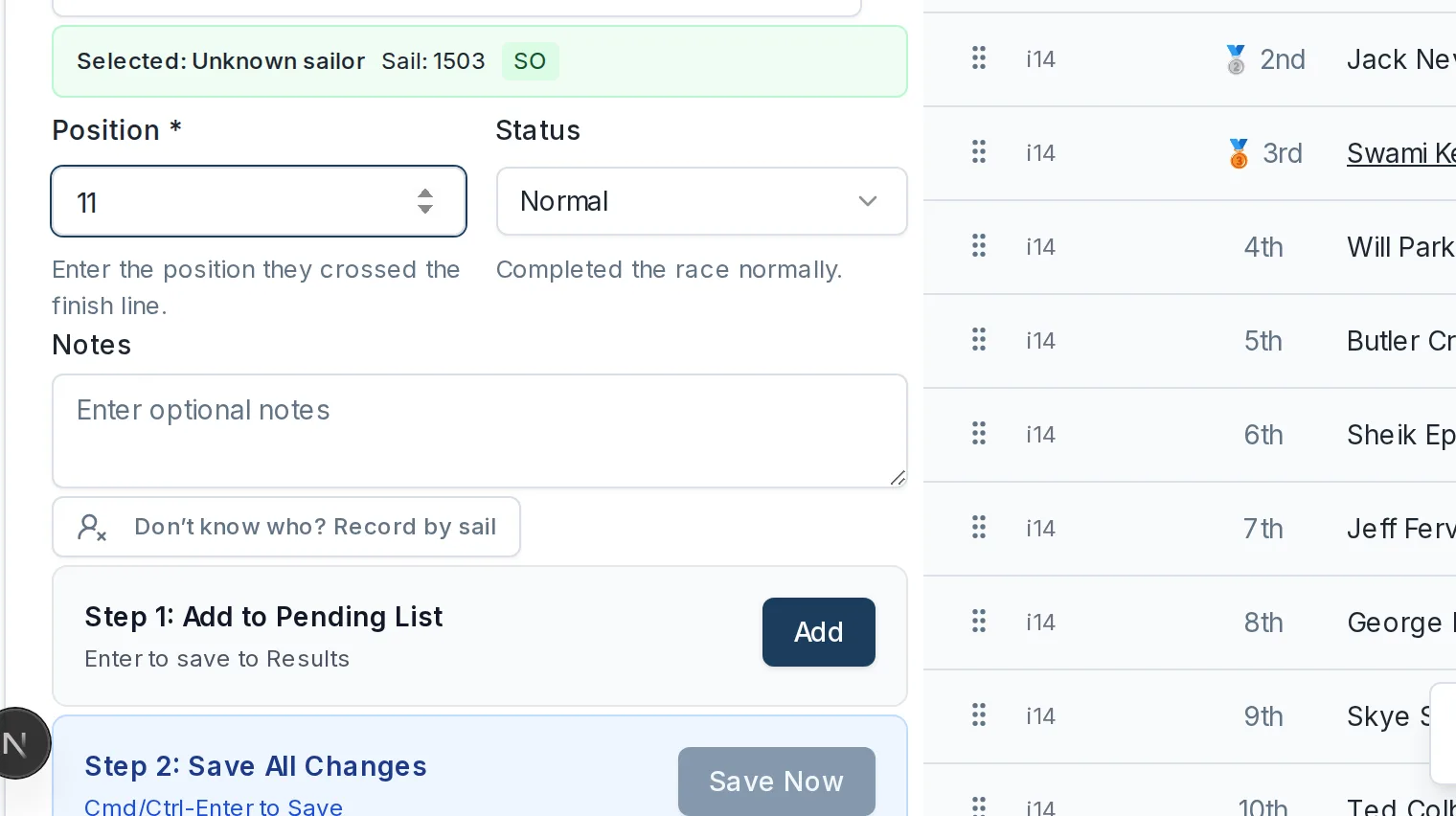
- Select Add to add it to the pending list, then Save Now to save the race results as usual.
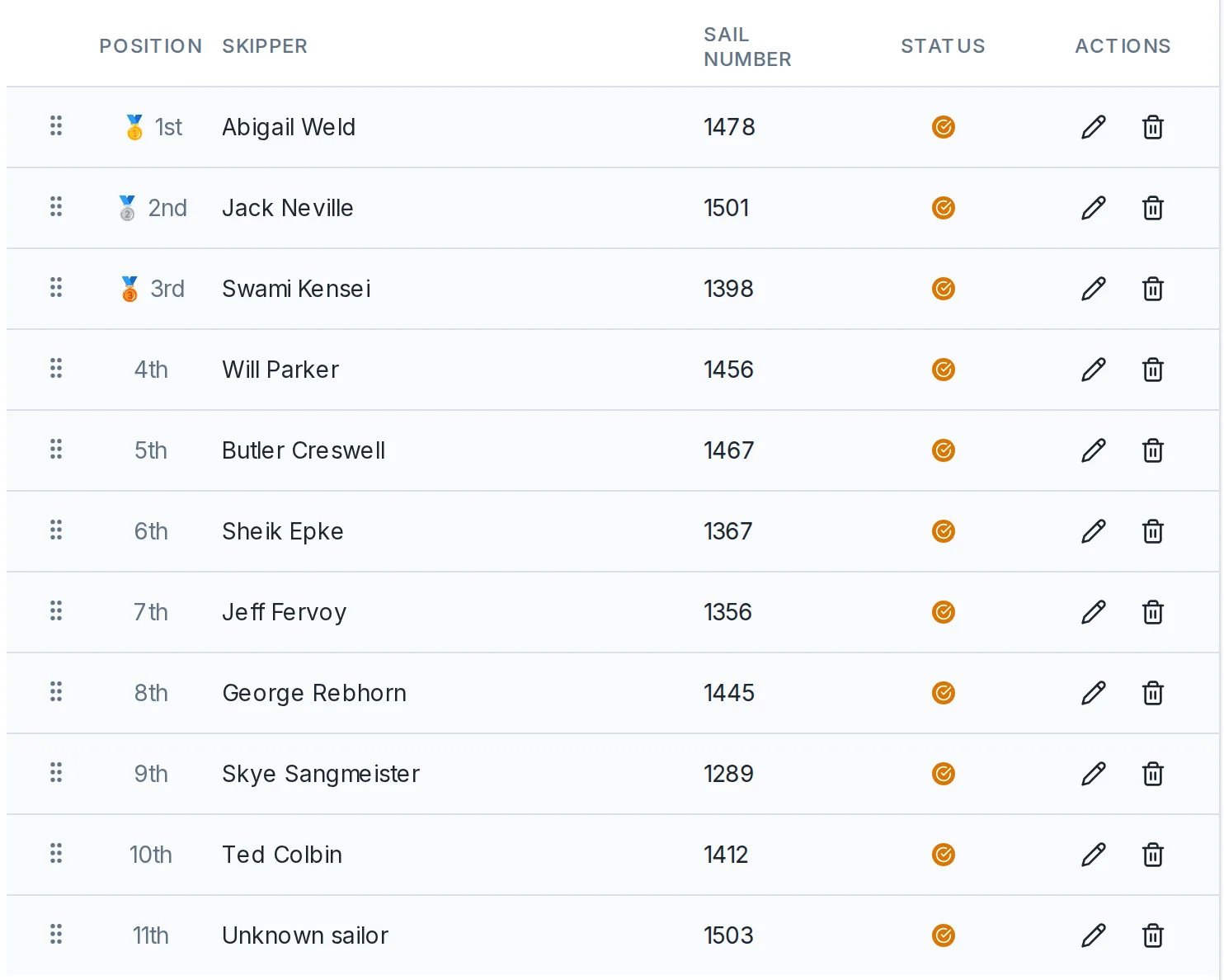
If the day's results were already published, the new entry is not public until you publish again. See Publish results. Attaching a sailor later republishes automatically.
Record an unknown boat at sign-on
You can also record the boat when it turns up, before any results exist:
- On the Race Day Results screen, select Sign on sailors.
- In the Sign on sailors dialog, select Unknown sailor, next to Register.
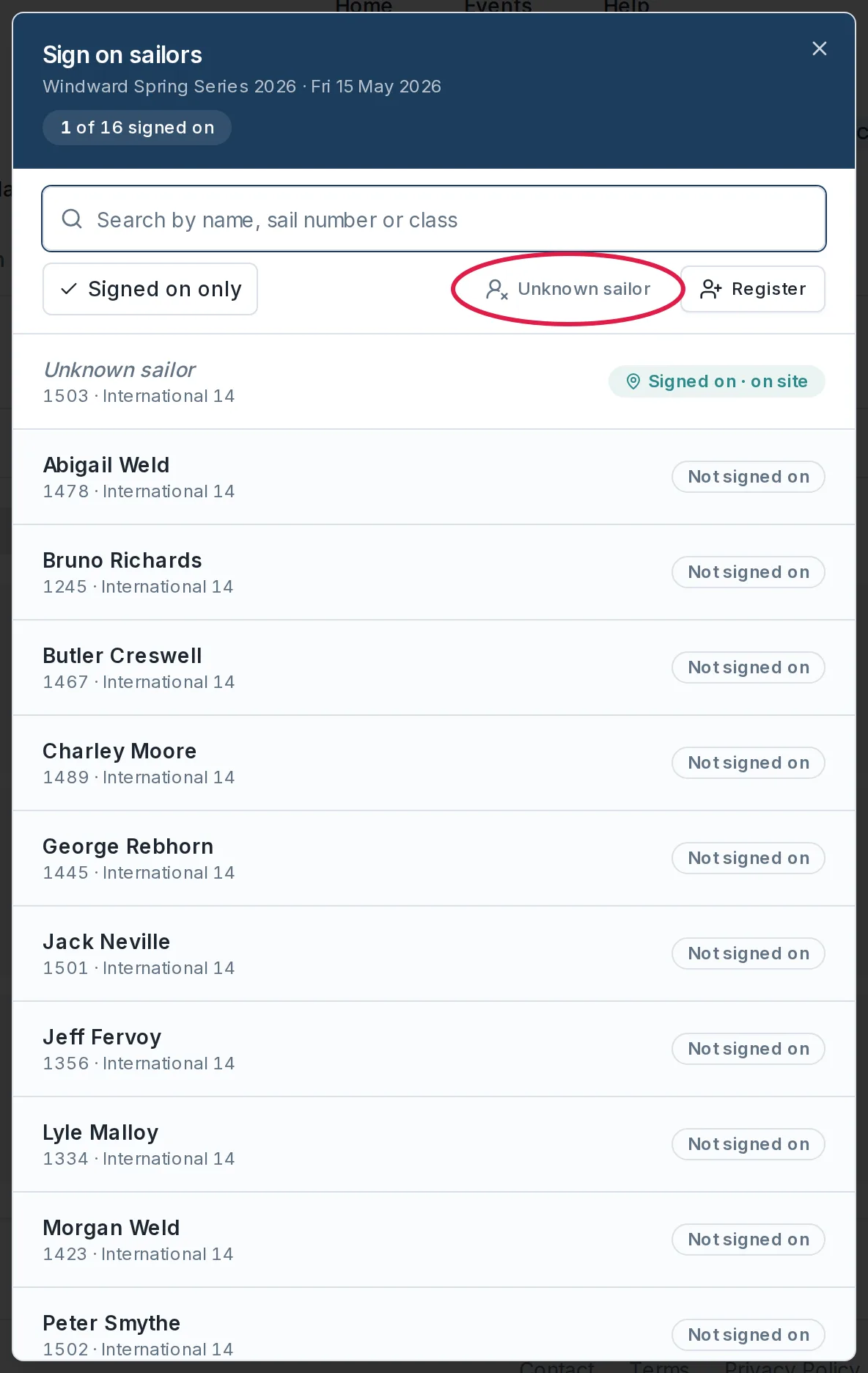
- The view changes to Record an unknown sailor. Enter the Sail number and select Record & sign on.
The boat appears in the roster as Unknown sailor, signed on for the day, ready to score in results entry like any other boat.
Results imported from a file work the same way: a row that has a sail number but no readable name is held as an unknown automatically.
Attach the right sailor later
Every unknown is held per race day, because a shared club boat can be sailed by a different person each week. Attaching a sailor moves only the race days you choose; other days keep their own unknown entry.
Moving an entry onto a sailor cannot be undone, so check you have the right person.
From the Registrations tab
- Open the event and select the Registrations tab.
- At the foot of the roster, expand the Unknown sailors section. Each sail is one row, showing the race days it sailed and the finishing place. Only unknowns holding results are listed.
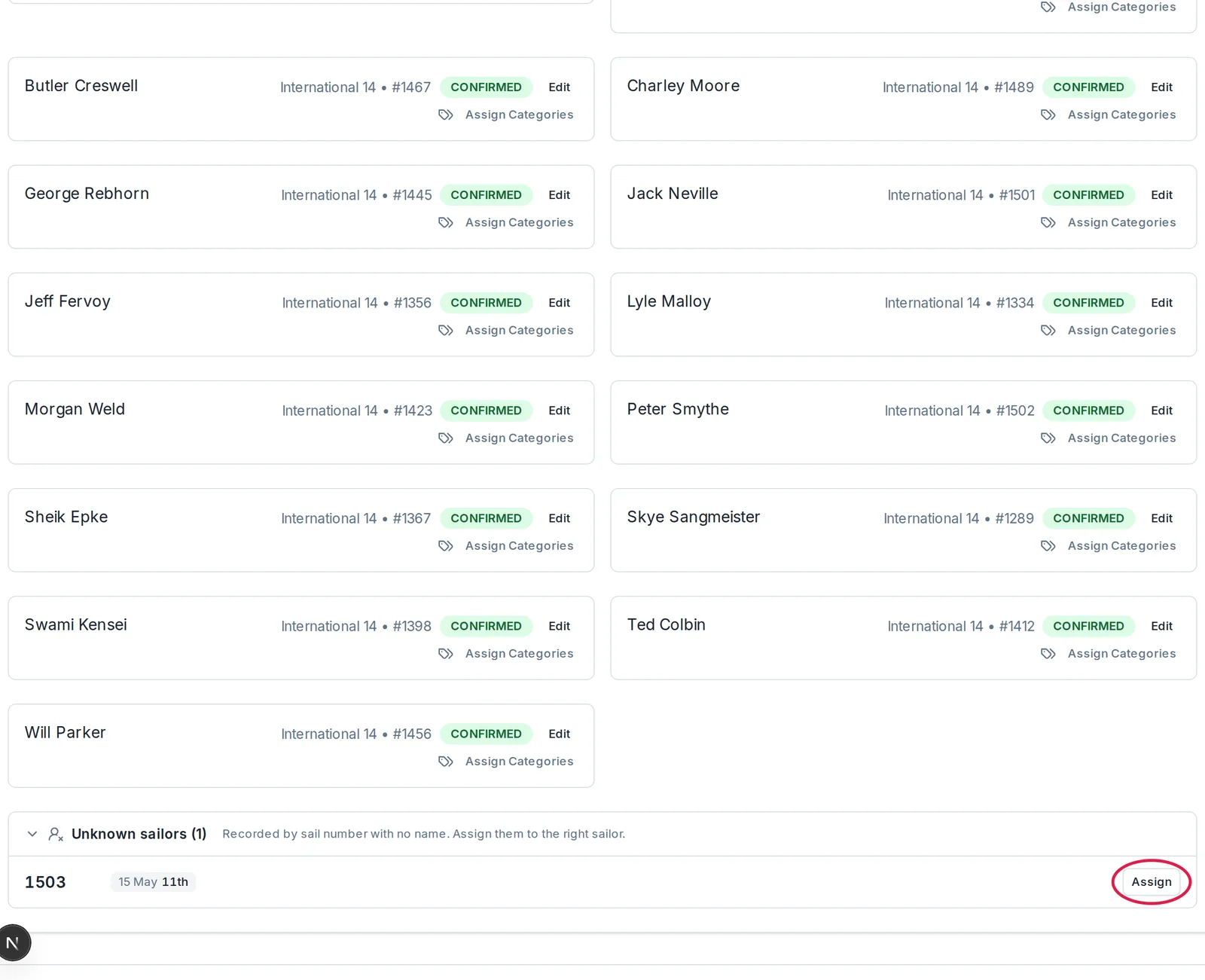
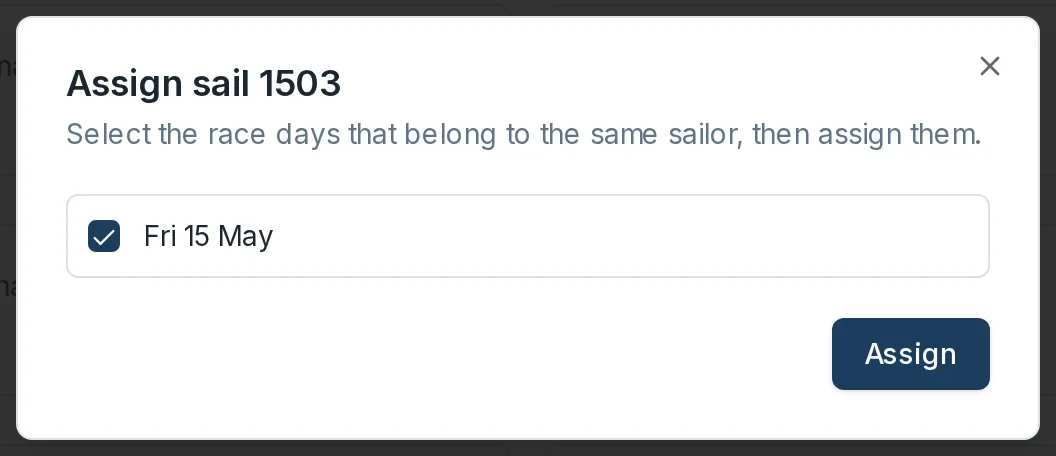
- Select Assign. The Assign sail dialog opens with a checkbox for each race day. Untick any day that was a different person, then select Assign.
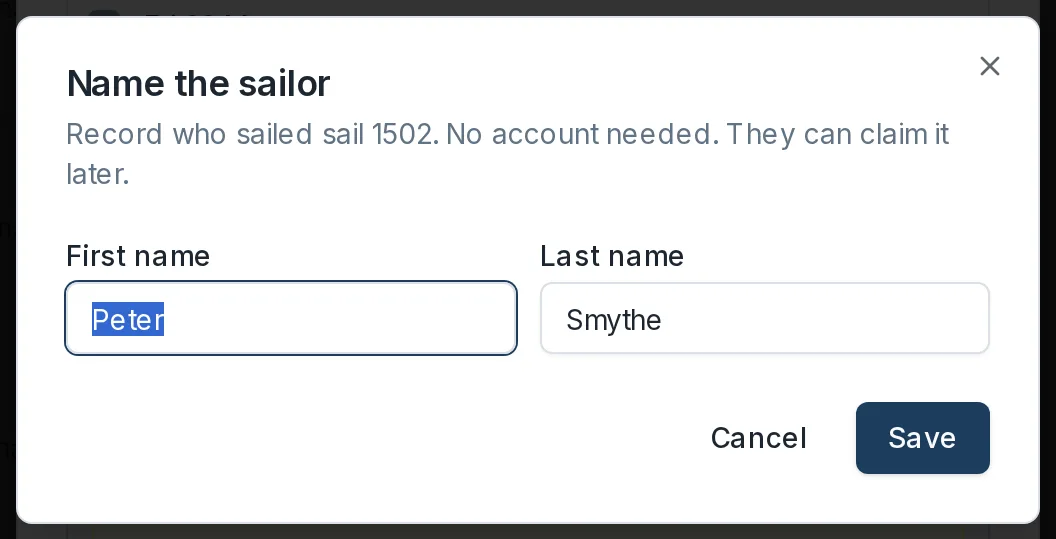
- Search for the sailor. If they are not a Dockside user yet, type their name and select Create Placeholder Sailor, then confirm it in the Name the sailor dialog and select Save. No account is needed: they can claim the entry when they join.
While editing a sign-on
The same option appears wherever you edit the unknown's sign-on. In the Sign on sailors dialog, select the unknown's row: the Edit sign-on view opens with an Unknown panel explaining that no sailor is attached for this race day, and a search box. Picking a sailor asks you to confirm before moving this race day's sign-on and results onto them. The search offers sailors signed on that day who do not already have a result in the race.
Manage a sailor's claim
When a sailor claims an unknown result themselves, their registration on the Registrations tab carries a dashed Self-claimed badge. If a claim is wrong:
- Select Manage next to the badge.
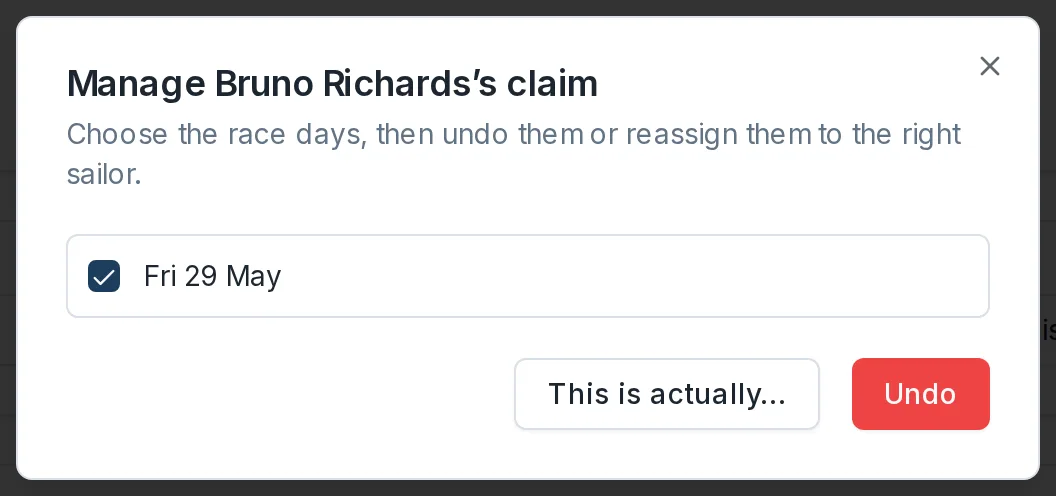
- In the Manage claim dialog, tick the race days, then select Undo to return them to an unknown entry, or This is actually… to move them to the right sailor.