Claim a result recorded without your name
How-to guide
If the race officer couldn't identify you on the water, your finish may have been recorded by sail number only. It shows in the results as Unknown with your sail number. This article covers how to claim it so the result counts on your profile.
You need to be signed in to Dockside. No club permission is needed.
Find the result
- Sign in and open the event's page.
- Select the Results tab.
- Find the row showing Unknown with the boat's sail number. It has an Is this you? button under the name.
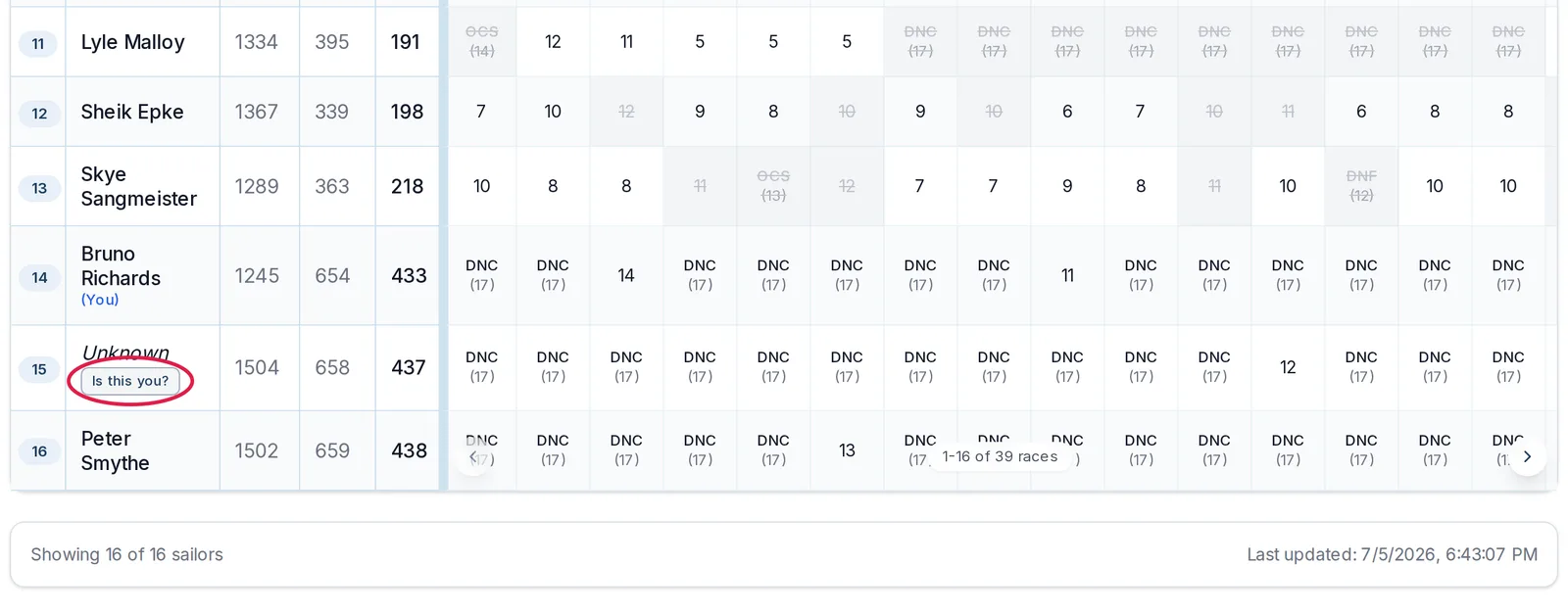
The button only appears on the event page's Results tab while you are signed in. The public results page shows the unknown row without it.
Claim it
- Select Is this you?. The Claim sail dialog opens, listing each race day recorded for that sail number.
- Tick only the days you sailed. A shared club boat may have been sailed by someone else on other days, so leave those unticked.
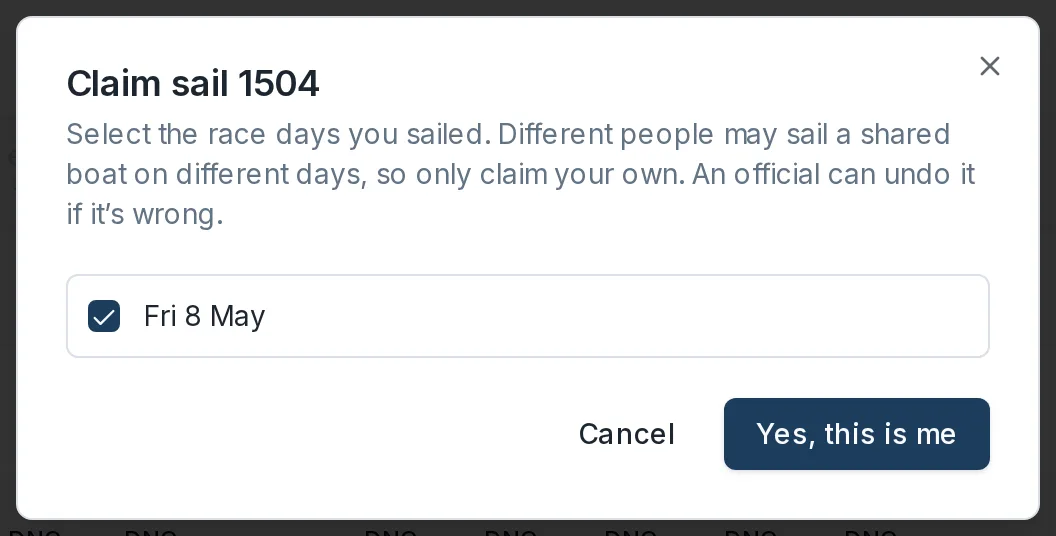
- Select Yes, this is me (or Claim 2 days when you have ticked more than 1).
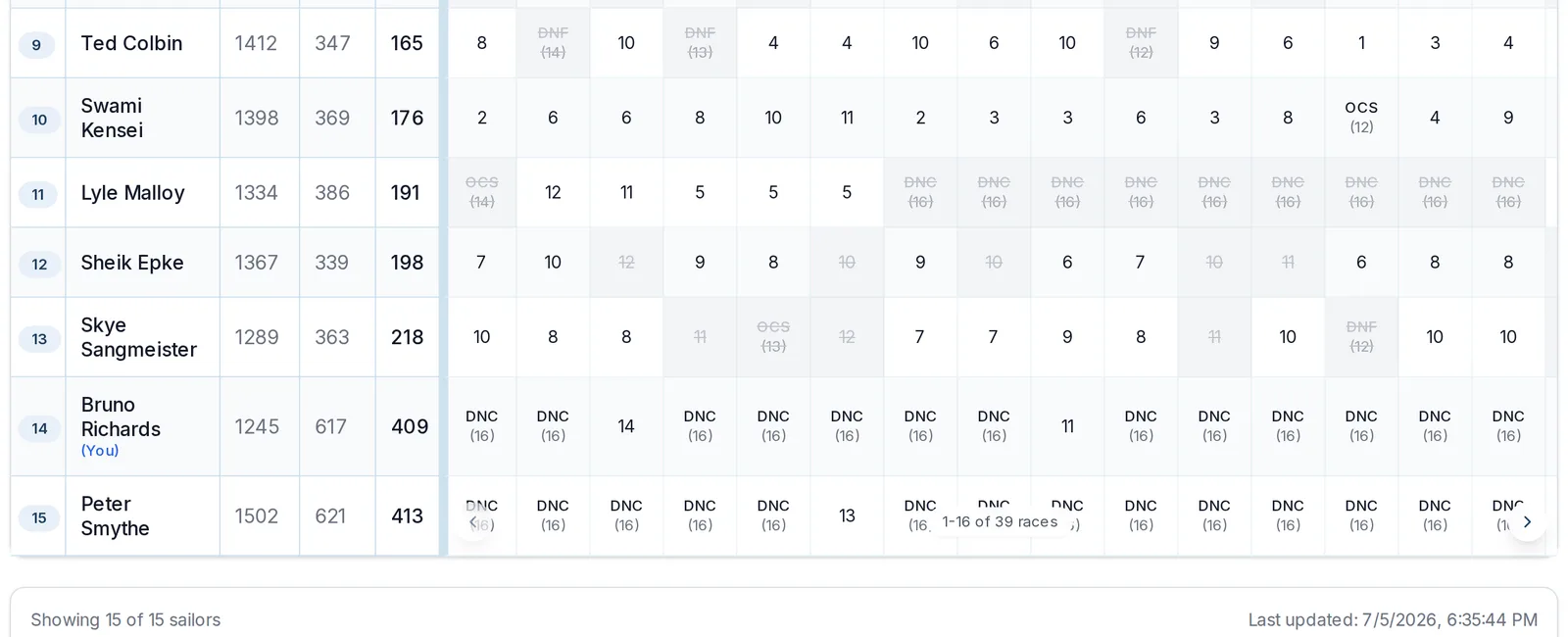
The results update straight away: the row shows your name instead of Unknown, and the result counts on your profile.
If you claimed the wrong thing
Ask a club official. They can undo a claim or move it to the right sailor, one race day at a time.
If there is no Is this you? button
- Check you are signed in and on the event page's Results tab, not the public results page.
- Someone else may have claimed it already. Claims are first come, first served; if that claim is wrong, a club official can undo it.
- You cannot claim a result in a race where you already have another result.