Set who can sign on
Set who can sign on
Two settings control who can take part in an event and how they sign on: the membership requirement and the sign-on method. You set both on the event's Registration tab.
Access. You need the Official or Admin permission on the club or association that runs the event. An admin or official of the event's host venue or host association can change them too. Site administrators can change any event.
To change them:
- Open the event, select Edit Event, then open the Registration tab.
- Set the Membership Requirement and Sign-on Method.
- Select Save.
Membership requirement
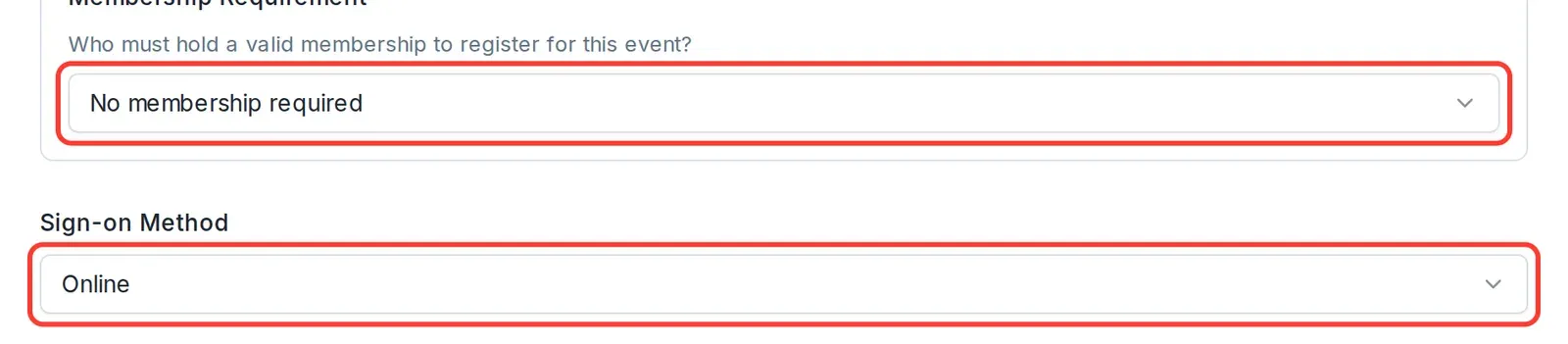
Membership Requirement answers the question shown on the field: who must hold a valid membership to register for this event? Choose one:
- No membership required — anyone can enter, member or not.
- Skipper only — only the primary registrant (the helm or skipper) must be a member. Crew need not be.
- All participants — everyone in the entry must be a member, each with a linked Dockside account.
Sign-on method
Sign-on Method sets how sailors sign on:
- Online — sailors sign on through Dockside before racing.
- On Site — sign-on is taken in person, for example on a sheet at the club.
- Both — sailors can sign on online or on site.
Entering through another system
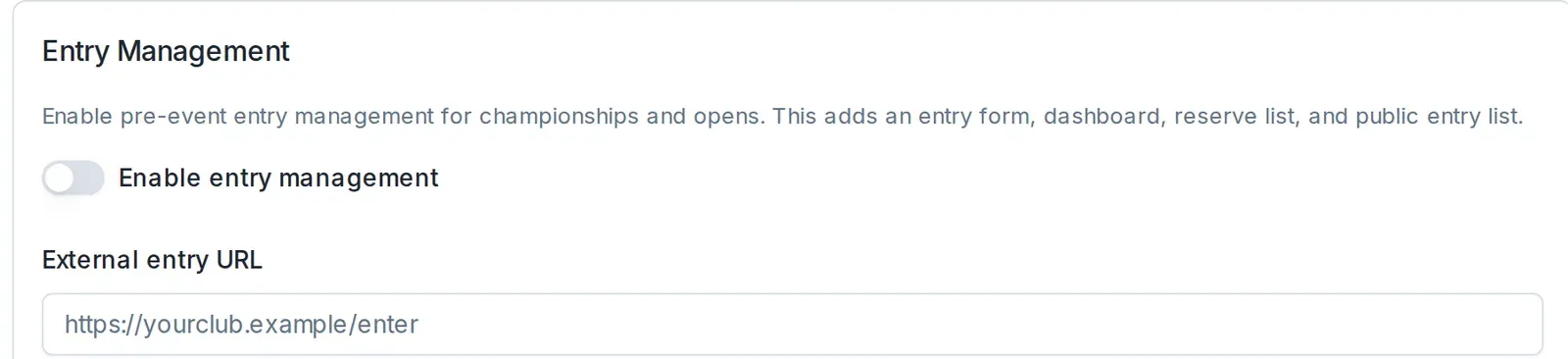
If your event takes entries somewhere other than Dockside, use the Entry Management section on the same tab. Turn on Enable entry management to add a pre-event entry form, dashboard, reserve list, and public entry list. Or paste the entry page address into External entry URL, which the event's Race Hub uses as its "Enter at…" link.