Create an event for another club
When an association, such as a class association, runs an event at a club's water, the association owns the event and the club is its venue. This article covers the one extra step that appears when you create an event as an association: choosing the host club. For the rest of the create flow, see Create an event. For how owning and hosting differ, see Who owns an event.
Access. You need the Admin or Official permission on the association.
Choose the host club
When you create an event from an association, the create form has an extra Host Club (Optional) section. It offers two ways to set the venue.
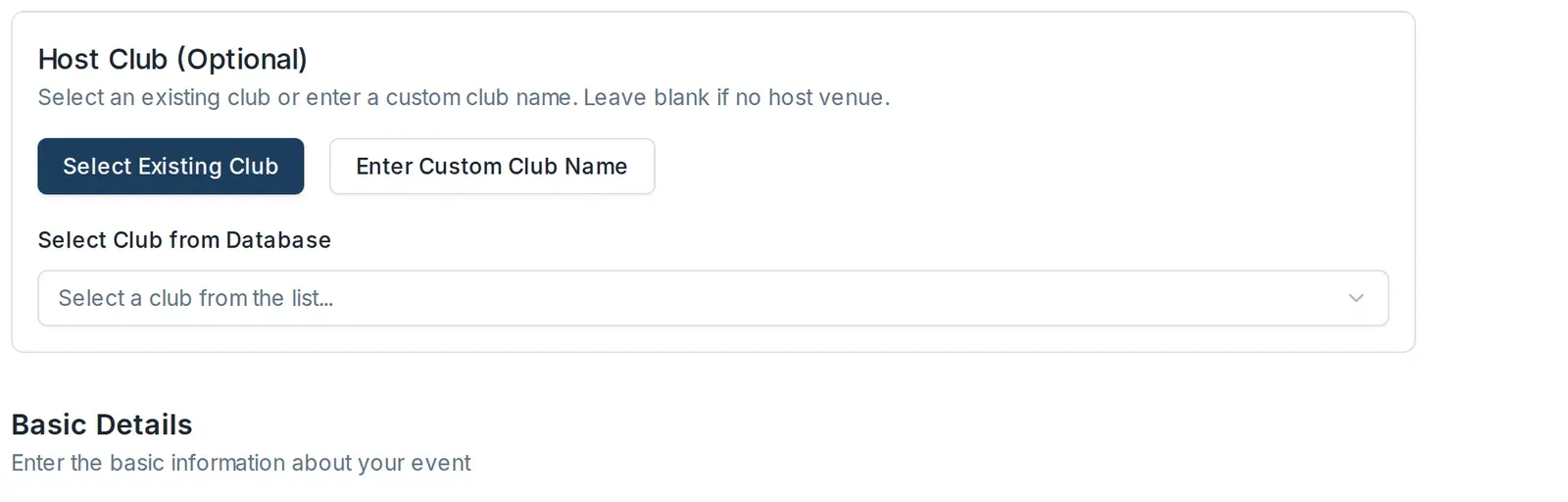
Pick a club already on Dockside
- Leave Select Existing Club chosen.
- Open the Select Club from Database dropdown.
- Type the club's name in the Search clubs box to narrow the list, then select the club.
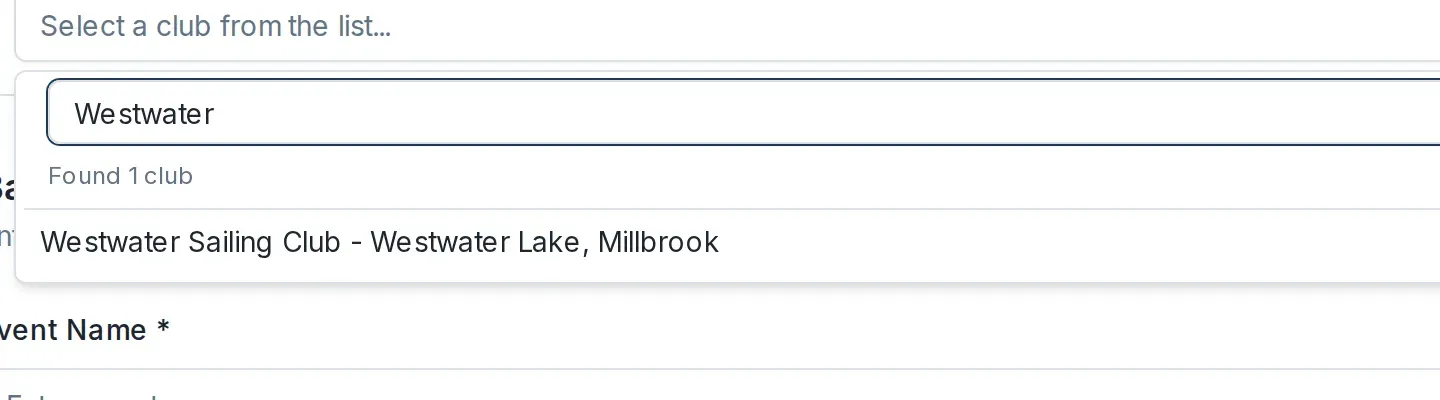
The event is now owned by your association and hosted at the club you picked.
Enter a club that is not on Dockside
If the venue is not a Dockside club, select Enter Custom Club Name instead, and type the club's name and location.
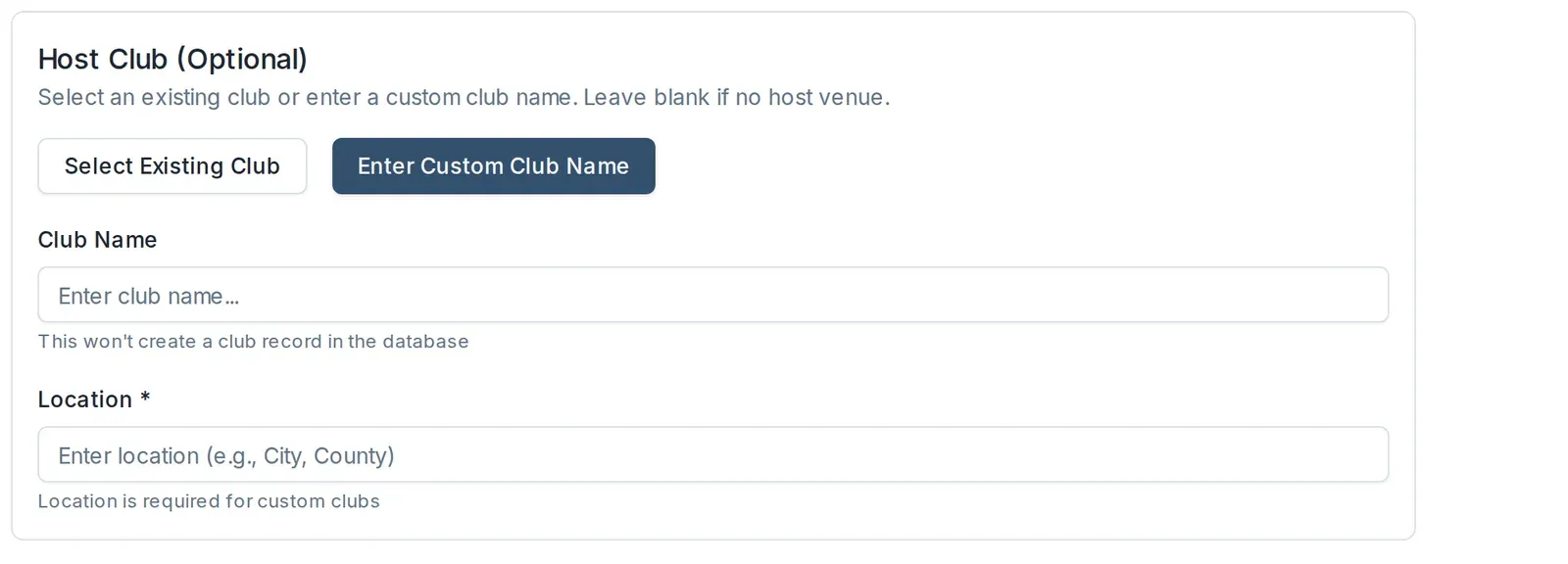
Leave the venue blank
The Host Club section is optional. If you leave it blank, the event is created with no host venue and your association is still its owner. You can set a host club later by editing the event.
Finish the rest of the form as usual and save. The event is created as a draft, ready for you to review and publish.