Ask for and pick up duty cover
When you can't make a duty you ask for cover; when you can help out, you pick up a duty someone else can't make. Both go through the cover board.
Access. You need to be a member of a club that runs duties.
Ask for cover
On My Duties, select Can't make it on a duty you haven't confirmed, or Ask for cover on one you have. The duty goes onto the cover board and Dockside offers it to other qualified members.
The duty stays yours until someone accepts it. Asking for cover does not take you off the hook, so keep an eye on it until it's picked up.
Pick up a duty
Select Duties needing cover on My Duties to open Cover & vacancies — the duties your club still needs filled. Each one shows the club, the role, the date, and who needs cover.
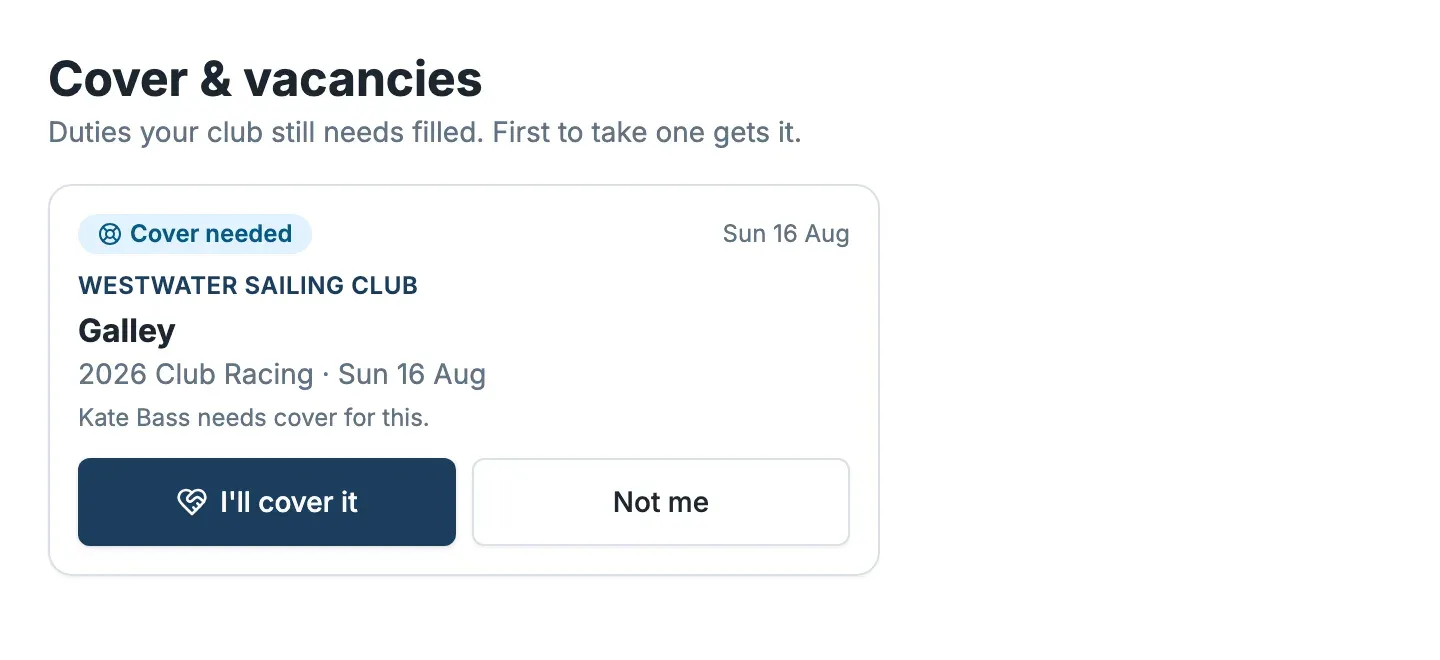
Select I'll cover it to take one on — first to take it gets it — or Not me to pass. Once you accept, the duty is yours, and the member who asked for cover is released.
Only duties you are qualified for appear here, so you are never offered a duty you can't do.